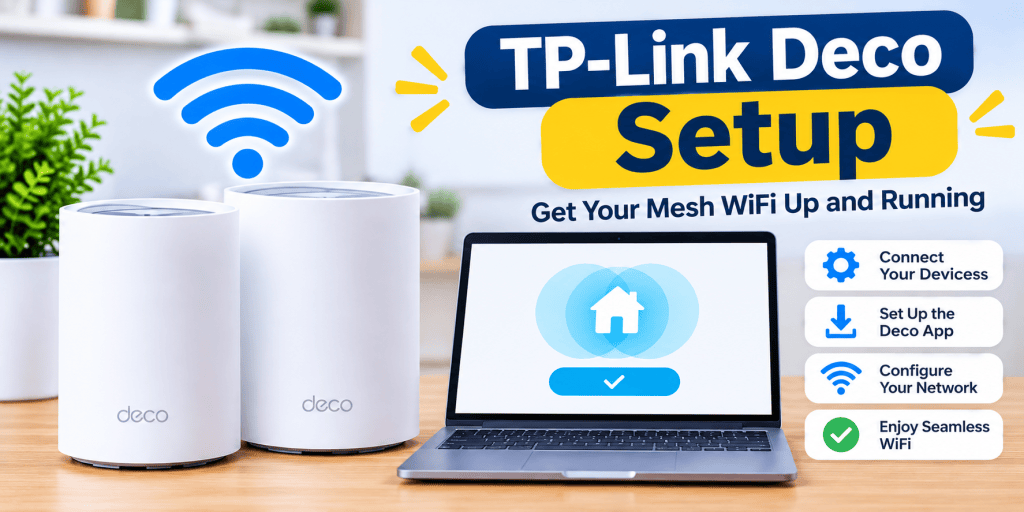
A new Deco system can improve WiFi coverage in different rooms of your home. Tplink deco setup is easier when you follow the instructions carefully and prepare your modem and phone first.
- Unpack your Deco units and choose one as the main unit. Place it near your modem and a power outlet.
- Download the TP-Link Deco app from your phone’s official app store.
- Sign in using your TP-Link ID or create an account if you do not have one.
- Attach your modem’s Ethernet cable to the internet port on the main Deco.
- Turn on the modem and watch for a steady internet connection. Next, connect the main Deco.
- To add a new Deco system, open the application and choose that option. Select the appropriate model.
- Keep your phone close to the main unit and follow the pairing instructions if you’re looking for how to set up the tplink deco.
- If the program asks, choose the sort of internet connection you have. If you are unsure about which choice to select, get in touch with your internet provider.
- Make a solid, readily remembered WiFi name and password.
- Connect your phone, laptop, television, and other devices using the new WiFi details.
- Add extra Deco units through the app, following the on-screen instructions for each unit.
- Place additional units where they can receive a good signal from the existing Deco network.
- Check the app to confirm that every unit is online and working correctly.
- Test browsing and video streaming in different rooms to check the coverage.
- If setup fails, check the cables, restart the modem and Deco, and try again.
Once Tplink deco setup is complete, save your WiFi details somewhere safe. Testing the connection around your home will help you find the best locations for additional units and enjoy reliable coverage.
If you need more details about How to setup the tplink deco then visit our website.


Leave a Reply